How Can SMEs Use Google Search Console to Fix Low Visibility?
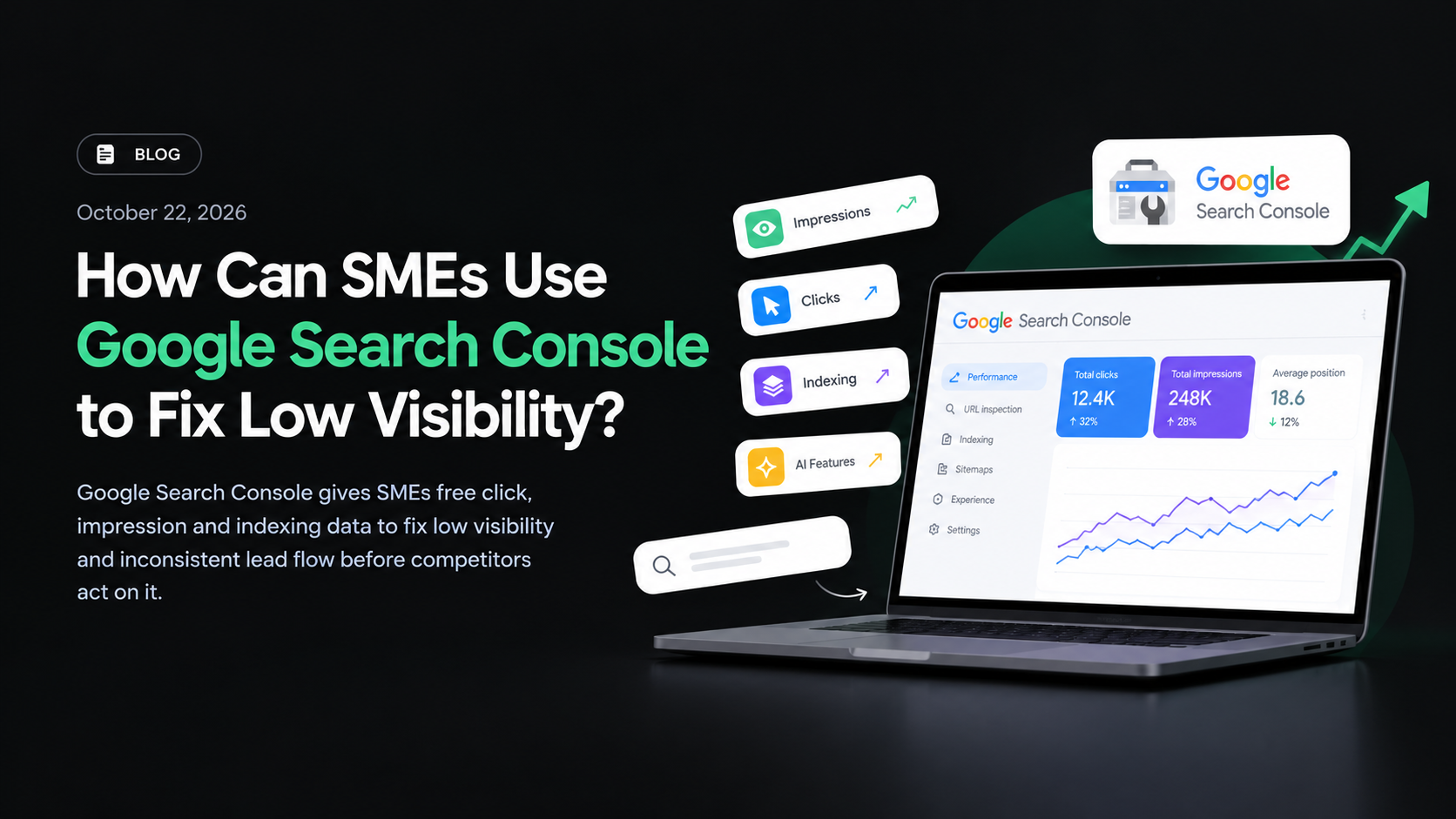
Google Search Console is free, and it is the only place where Google tells you directly what your site earns in clicks and impressions, whether its pages are indexed, and how often it appears in AI features. For an SME, that data turns guesswork about low visibility into specific pages worth fixing this week.
What You Will Learn
- What Search Console actually reports, including emerging AI feature visibility
- Why low visibility and inconsistent leads usually share one root cause
- A six-step routine you can run in under 30 minutes a week
- The mistakes that quietly waste data you already own
What Is Google Search Console?
Google Search Console is Google’s free service for verified website owners. It reports clicks, impressions, indexing status and visibility in AI features for your pages inside Google Search results. You do not pay for it, and you do not need an agency to switch it on. That last point matters more than most owners realise. It is the ground truth for how Google is treating your site: which queries you surface for, which pages get shown, and which get excluded. Google processes roughly 8.5 billion searches a day, which means even a small local business competes inside an enormous dataset. Without verified access, every decision you make about visibility is a guess.
Why Does Low Search Visibility Happen?
- Nobody verified the property. No verification means no data, so every later decision runs on opinion rather than evidence.
- Pages are not indexed at all. A page Google has not indexed cannot rank, however well it is written.
- Several pages chase the same query. Cannibalization splits your signals and pushes Google to pick a page you did not intend.
- Slow pages lose the click. Google’s Core Web Vitals guidance sets 2.5 seconds as the Largest Contentful Paint threshold for a Good rating, though it is only one of many ranking inputs.
- AI answers absorb the first click. Industry data suggests AI Overviews now appear for roughly 15% of queries, and the top three results typically take about 54% of clicks — approximate, illustrative figures rather than precise measurements. The margin for a vague page is thin.
At-a-Glance Summary
| Factor | Details |
|---|---|
| Cost | Free with ownership verification |
| Who it applies to | Any business with a verified website property |
| Core data | Clicks, impressions, indexing status, AI feature visibility |
| Setup time | Usually under 30 minutes per property |
| Useful cadence | Weekly 20–30 minute review, monthly deeper audit |
| Fastest win | Pages with impressions but almost no clicks |
| Common blocker | Verifying only the main domain and missing subdomains or subfolders |
| AI search relevance | Emerging — Search Console AI feature reporting is rolling out, so coverage may be partial |
How to Use Google Search Console to Fix Low Visibility
Step 1 — Verify Every Property You Actually Own
Start with the domain property, then add any subdomain or subfolder you control. A business running a main site plus a separate booking or blog subdomain that verifies only one of them will read half the picture and draw the wrong conclusion. Verification also confirms you can receive indexing and security alerts. Nothing else on this list works until this step is done.
Step 2 — Pull Two Weeks of Query Data Before Changing Anything
Export clicks, impressions and average position for a 14-day window. Sort by impressions, not clicks. Pages with heavy impressions and near-zero clicks usually have a title or snippet problem, and those are the cheapest wins available. Act on a pattern across several pages, never on one day’s noise. Do this before you touch a single line of content.
Step 3 — Separate Indexing Problems From Ranking Problems
Filter by page, then check which URLs are indexed and which are excluded, and read the stated reason for each exclusion. An indexed page that is not ranking needs content or intent work. An excluded page needs a technical fix first. Treating these as one problem is how teams burn three months going nowhere. If a specific report looks broken, our notes on what to do when the Google Search Console links report breaks cover the usual causes.
Step 4 — Hunt Down Query Cannibalization
List every query where two or more of your URLs receive impressions. That is cannibalization, and it usually means one page should be merged, redirected or rewritten to absorb the other. In client work at Tomatotree digital, this is consistently the most common cause of “we keep publishing and nothing moves” — businesses keep adding pages instead of consolidating the ones that already carry history. The constructive version: a smarter distribution of the content you already have usually beats publishing more of it.
Step 5 — Check Page Speed Against the 2.5-Second Threshold
Look at mobile and desktop separately, because mobile is where most local traffic sits. Use the Core Web Vitals report to find URLs with a Poor LCP rating, then fix the heaviest asset on those pages first. Page speed is a threshold game, not a score game — moving a URL group from 2.6 seconds to 2.4 seconds can clear the flag, though Core Web Vitals is one of many ranking inputs and is assessed at the URL-group level rather than page-by-page in real time.
Step 6 — Re-check How Your Pages Appear in AI Answers
Search Console now includes visibility into AI features, which makes it the most honest first-party check available on whether AI search surfaces you at all. Be realistic about it: AI feature reporting is still rolling out, coverage may be partial for many properties, and it should be read as directional rather than complete. Note which pages appear there, then read the AI answer yourself and ask what the user still needs afterwards. That next question is your next page — not a rewrite of the summary you just read. More context on how AI Mode and AI Overviews shifted query behaviour is in our Google I/O 2026 breakdown for Kerala SEOs.
Bring the Routine Back to Leads
Run these six steps once a week and you move from reacting to enquiries to shaping them. Fixing indexing turns invisible pages into ranking pages; fixing cannibalization concentrates your ranking signals; fixing speed and snippets lifts the click-through on queries you already appear for. For a small business in Kerala running on a limited marketing budget, that is often the difference between enquiries arriving unpredictably and a steadier flow from Google Search and AI answers — including the local “near me” and service-plus-city searches that start most buying journeys, where your Google Business Profile and your website need to tell the same story. Pair the Search Console numbers with enquiry calls and form fills each month, and you have a defensible ROI story instead of a vague sense that marketing is expensive. If you would rather have this set up and interpreted for you, book a visibility audit with Tomatotree Digital and we will map the fixes to your lead flow.
What Happens If You Ignore This?
- You keep paying for ads to cover a visibility gap you could diagnose for free.
- Competitors with weaker content keep outranking you because they act on data and you act on instinct.
- Indexing and crawl issues compound quietly for months before anyone notices a traffic drop.
- Budget goes into new pages while the pages you already own stay broken.
- You cannot demonstrate marketing ROI, because there is no baseline to compare anything against.
Common Mistakes to Avoid
| Mistake | Why It’s a Problem | What to Do Instead |
|---|---|---|
| Verifying only the main domain | Subdomains and subfolders stay invisible in reports | Add every property you control |
| Sorting by clicks first | High-impression, low-click pages get skipped entirely | Sort by impressions, then filter low click-through pages |
| Judging traffic on daily numbers | Normal fluctuation looks like a penalty | Compare 14-day or 28-day windows |
| Chasing new pages | Cannibalization and thin content quietly build up | Consolidate pages that already have history |
| Treating it as an agency-only tool | Owners lose the habit of checking it | Schedule a fixed weekly 20-minute review |
| Ignoring mobile data | Most local searches happen on phones | Filter mobile separately in every review |
Expert Tips
- Book the review in your calendar like a client meeting. Twenty minutes every Tuesday beats a three-hour audit once a quarter.
- Use the query filter alongside the page filter to spot URLs with impressions but a click-through rate well below their position average.
- Pair Search Console with GA4 to check whether improved visibility actually converts — our walkthrough of GA4 for SEO and AI search visibility covers exactly how.
- Track average position drift on your top ten commercial queries weekly. A two-position slide on a money query usually shows up in enquiries within a month.
- Export and archive monthly. The on-screen data window is limited, and historical comparisons are where the real insight sits.
- If you run paid ads, compare cost per lead on terms where organic already ranks before you raise spend.
Looking ahead: over the next 12 to 24 months, I expect SME owners to start asking for AI feature visibility numbers in the same breath as rankings. Teams may need to prepare for dashboards where impressions and AI citations sit side by side, and the practical shift will probably be a shorter, more honest conversation about leads instead of positions.

Key Takeaways
- Search Console is free for verified owners and reports clicks, impressions, indexing and AI feature visibility.
- Verifying every property you own is the fastest way to replace guesswork with data.
- High impressions with low clicks usually means a snippet problem, not a content problem.
- Cannibalization — several pages chasing one query — is the most common reason new content fails.
- Review 14-day windows weekly; daily data is noise.
References
- Explaining Search Console — PPC Land
- Google Search Console
- Google Search Central Documentation
- Core Web Vitals — web.dev
Frequently Asked Questions
Is Google Search Console free for small businesses?
Yes. It is free for any verified website owner, with no paid tier for standard access. You only need to prove ownership of the property. That means an SME sees the same clicks, impressions, indexing and AI feature visibility data a large agency sees, without a subscription.
How long does it take to see data after verifying a property?
Most properties start showing query and page data within a few days of verification, though some reports take longer to populate fully. Historical data usually appears retrospectively once verification succeeds. If nothing shows up at all, check that the property type you verified matches the URLs you actually want to measure.
What is the difference between Search Console and Google Analytics 4?
Search Console reports how your pages perform inside Google Search — clicks, impressions, indexing and AI feature visibility. GA4 reports what people do after they arrive. Together they answer two separate questions: are you visible, and does that visibility produce leads. Neither one replaces the other.
Can Search Console show whether my pages appear in AI Overviews?
It now includes visibility into AI features in Search, which is a first-party signal rather than third-party guesswork. Treat it as directional and be aware that reporting is still rolling out, so coverage may be partial: use it to identify which pages surface, then manually check the AI answer for those queries to see what the user still needs next.
Do I still need an SEO agency if I have Search Console access?
You need the weekly data habit regardless of who executes. An SME can run a review in about 20 minutes, but interpreting cannibalization, indexing exclusions and crawl issues usually takes specialist time. Many teams keep ownership of the property while outsourcing the fixes.